How to make Digital look like Film photography
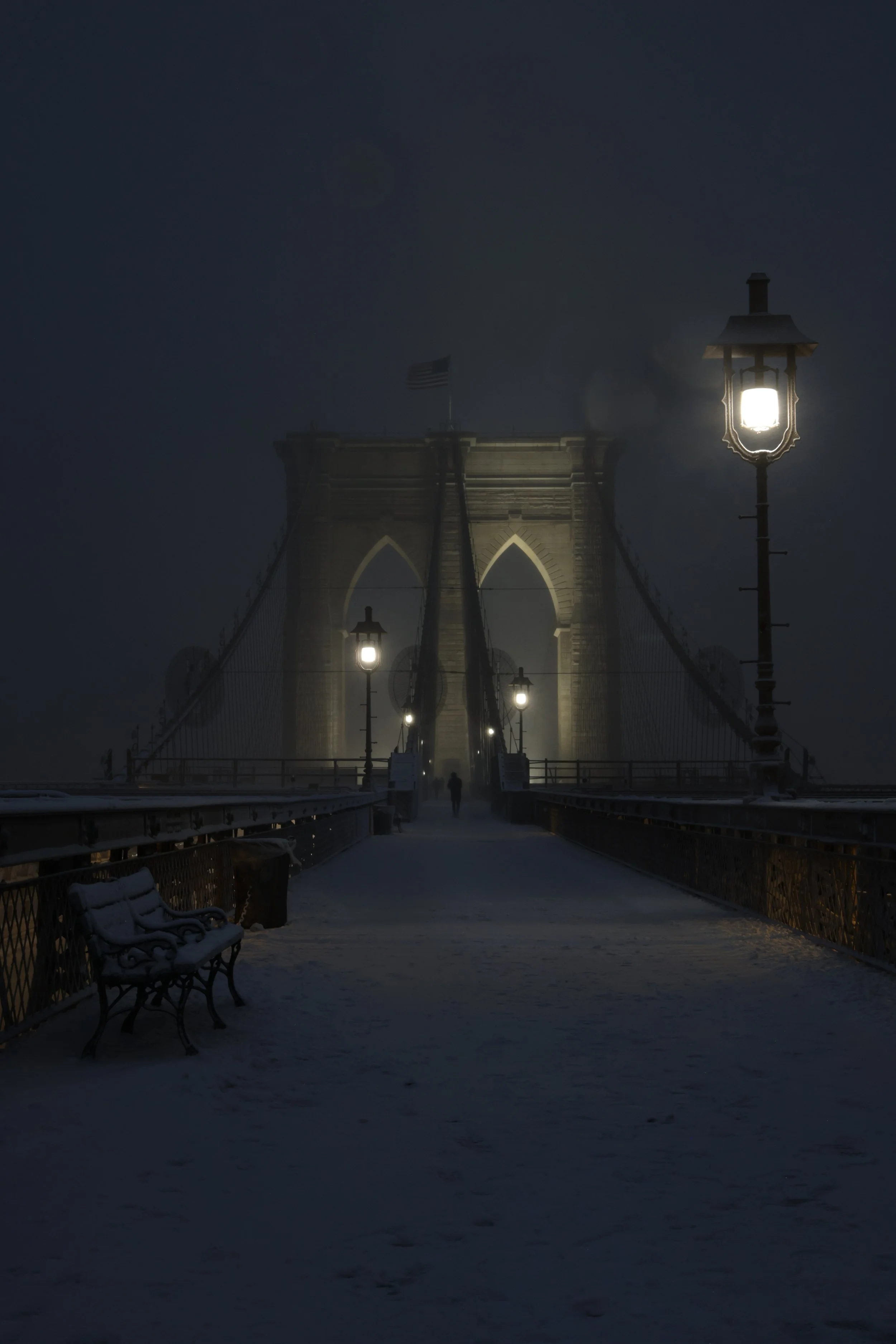
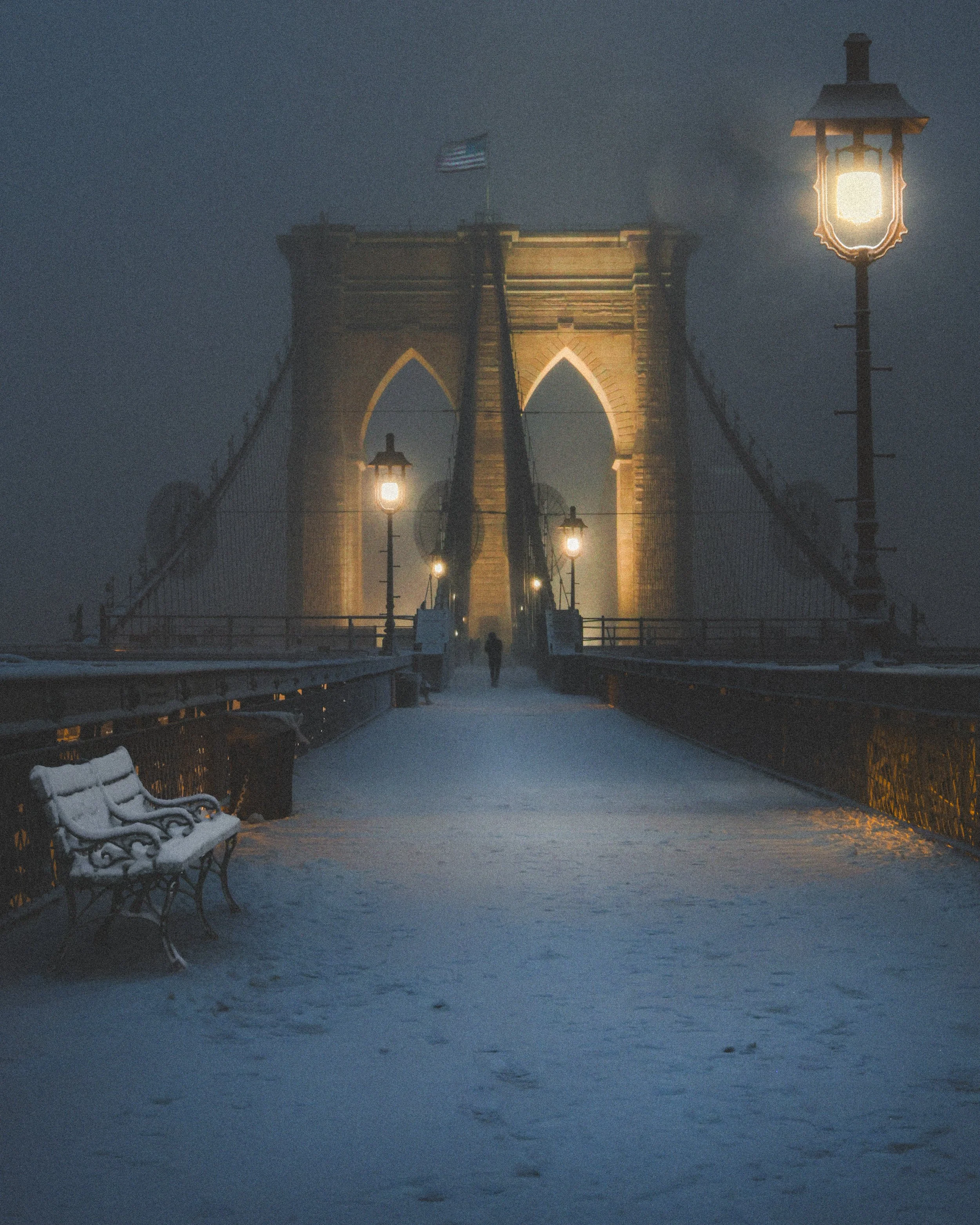
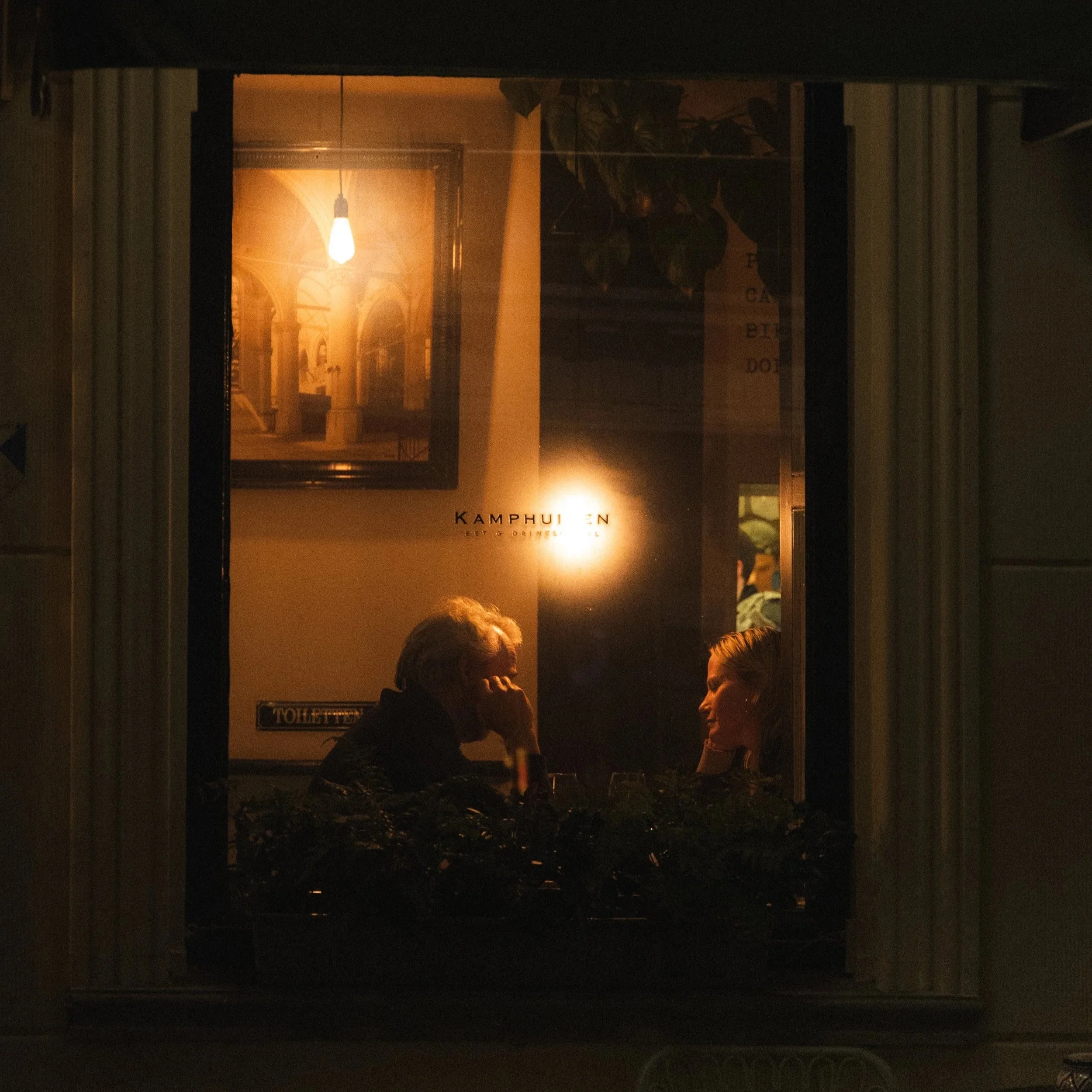
Although Analog, or film photography, cannot be exactly replicated, you can achieve a similar look nowadays through editing and shooting techniques. The colors and the way the camera handles light, are both key components to think about while trying to get the same look. I shoot mostly Film but also love my digital Canon R6. I usually edit my photos to match my film style. Here is how I do it.
Balance out harshness
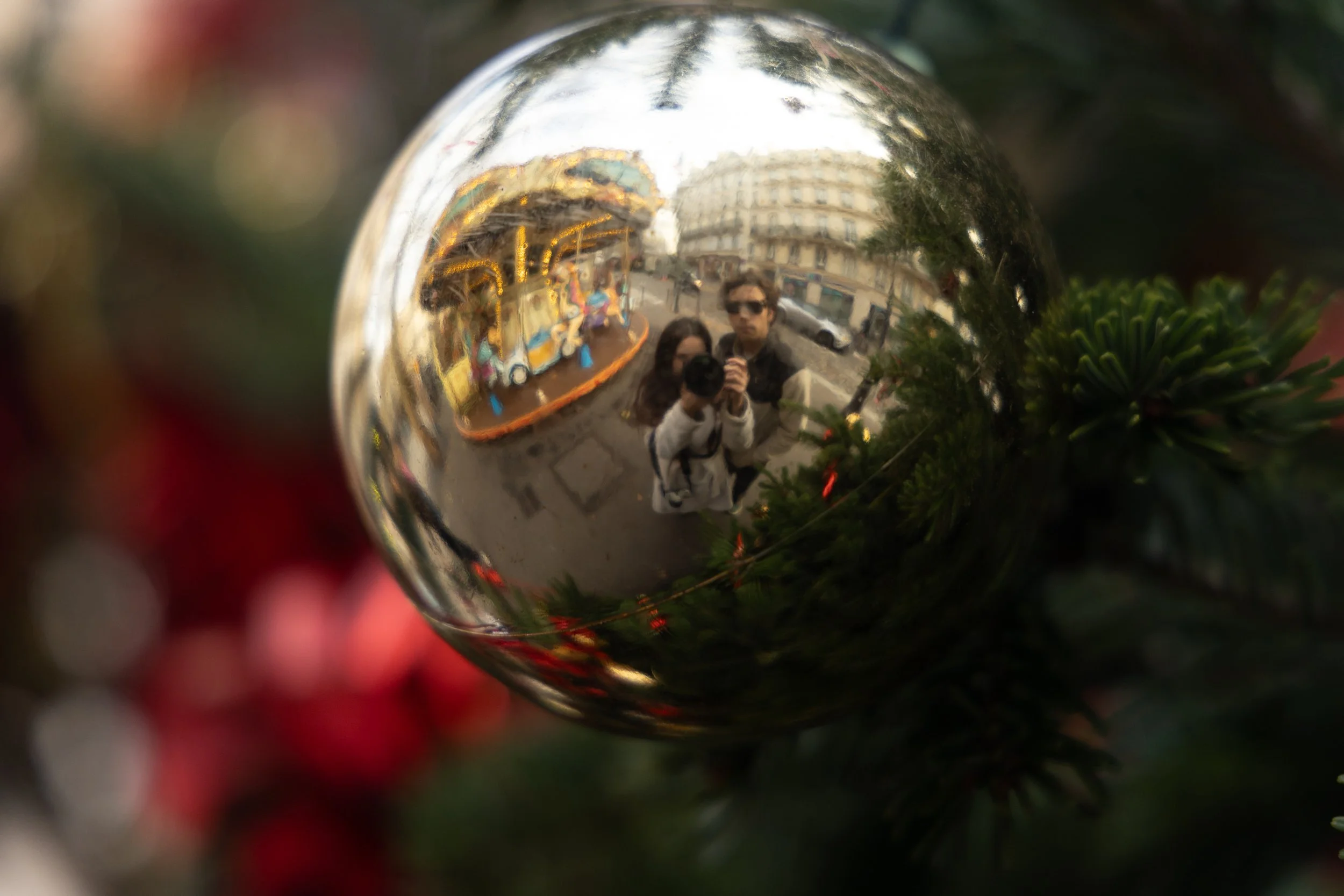
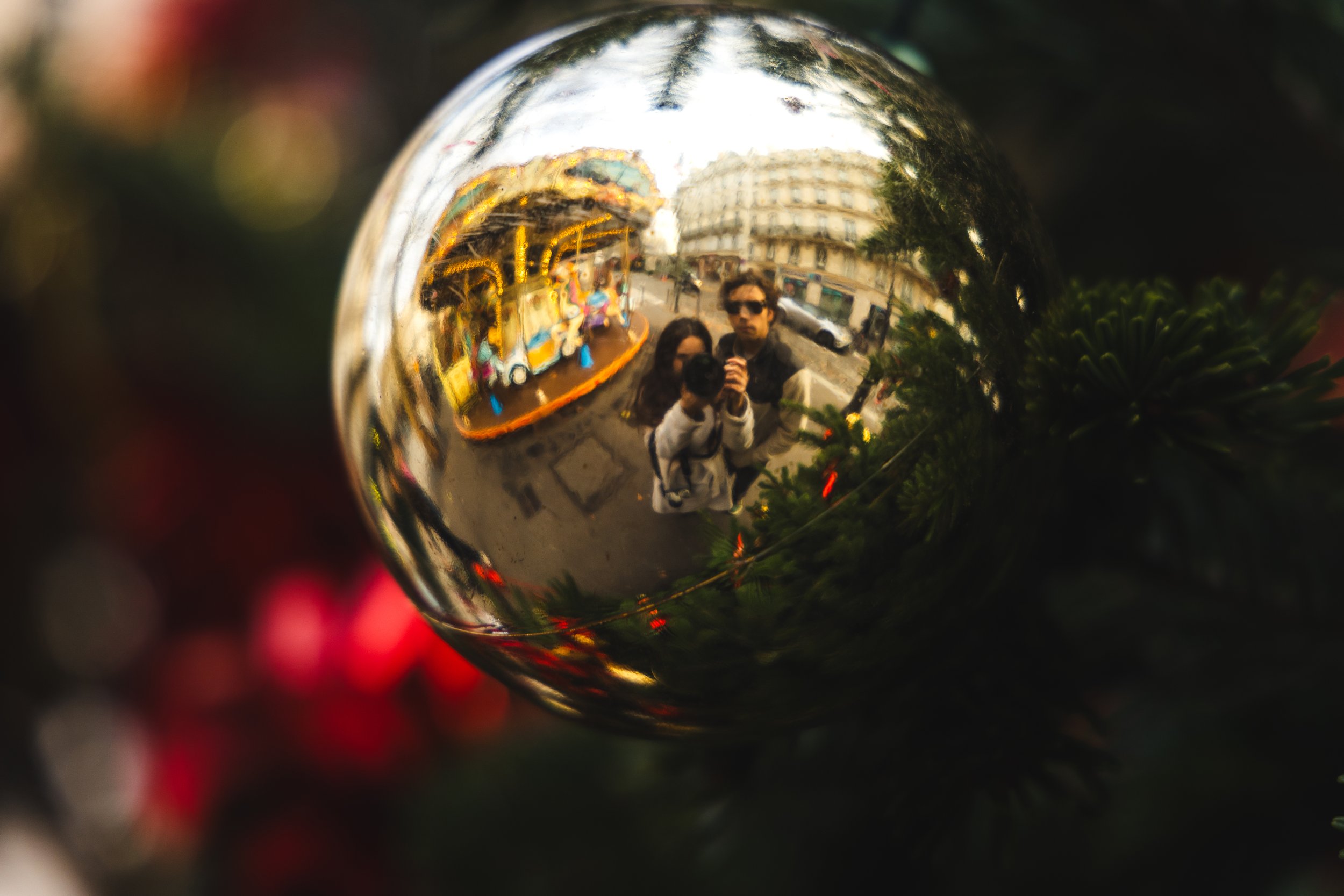
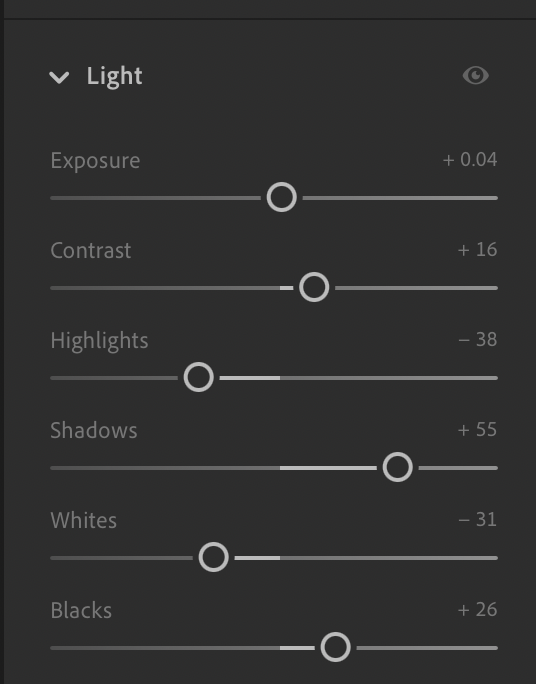
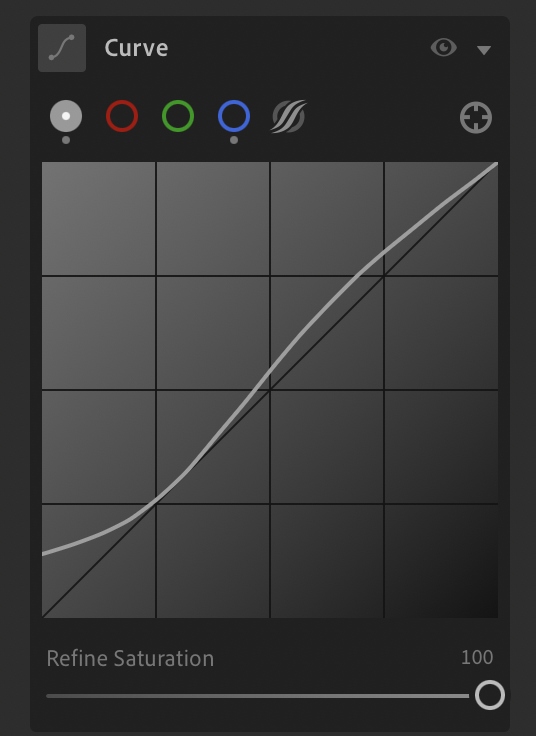
Film rarely has harsh blacks or bright whites. I like to start out by “Flattening” the look. This helps bring everything together and makes it easier to manipulate the color later. I first start off by examining the photo. Asking myself, “Is this over- or under exposed “ I then start by lowering whites, lifting blacks, and toggling with my tone curve. Lifting the blacks on the Tone curve is my favorite way to do so. This helps with the digital sharpness and smooths out the photo. Turn down your highlights and raise shadows.
Adding Grain and Vignette
Adding grain is something I like to do to an extent. Allow yourself to play around with the sharpness and size of the grain to see what fits best. Adding a vignette isn't necessary, but sometimes it can be beneficial. Drawing the eye into the subject and adding the vintage flare.
My usual settings: Aim for texture not noise.
Amount : 20- 30
Size: 20-25
Roughness: 40-60
Reducing Sharpness
Digital is great for capturing every little detail . But film doesn’t always look that way. You can reduce the clarity by 5-10 percent. This creates an organic softness, be careful not to over due this feature so you do not loose to much detail.
Color shifting
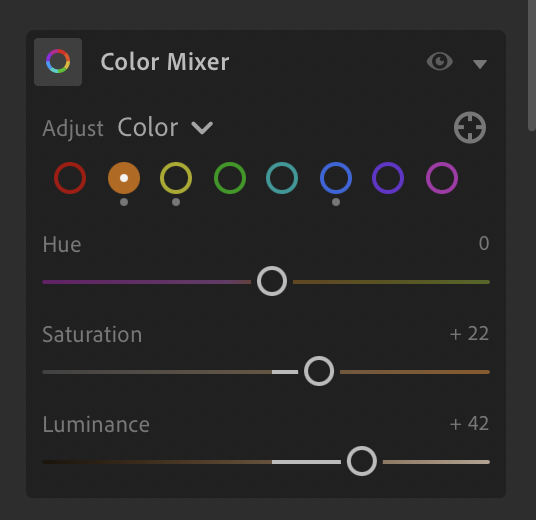
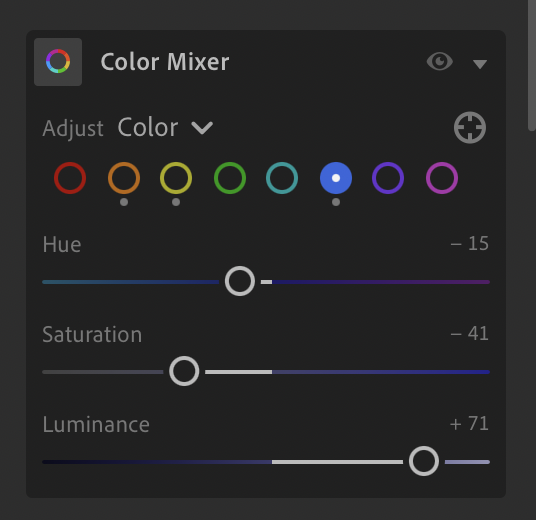
Depending on the film look you are going for this might change a bit. Using your midtones, you can change the overall color look of the photo. But also use the individual colors to change the hues and luminance. Muted greens, Teal blues, and warm skin tones are what are mostly seen in film looks. Therefore, I use the HSL panel to change that. You can also go for a black and white film look as well.
HSL settings:
Lower green saturation
Turn blue towards teal
Slightly boost orange lumiance.
“Film Look” Quick Settings
Use this as a start:
Contrast: -10
Highlights: -30
Shadows: +20
Blacks: +15
Clarity: -8
Texture: -5
Grain: 25 / 22 / 50
Temperature: +10
Tone Curve: Lift blacks slightly, use S curve.
This isn’t a cure all, but a starting point. Everyone is taking different photos, so everyone has a unique way of doing things.